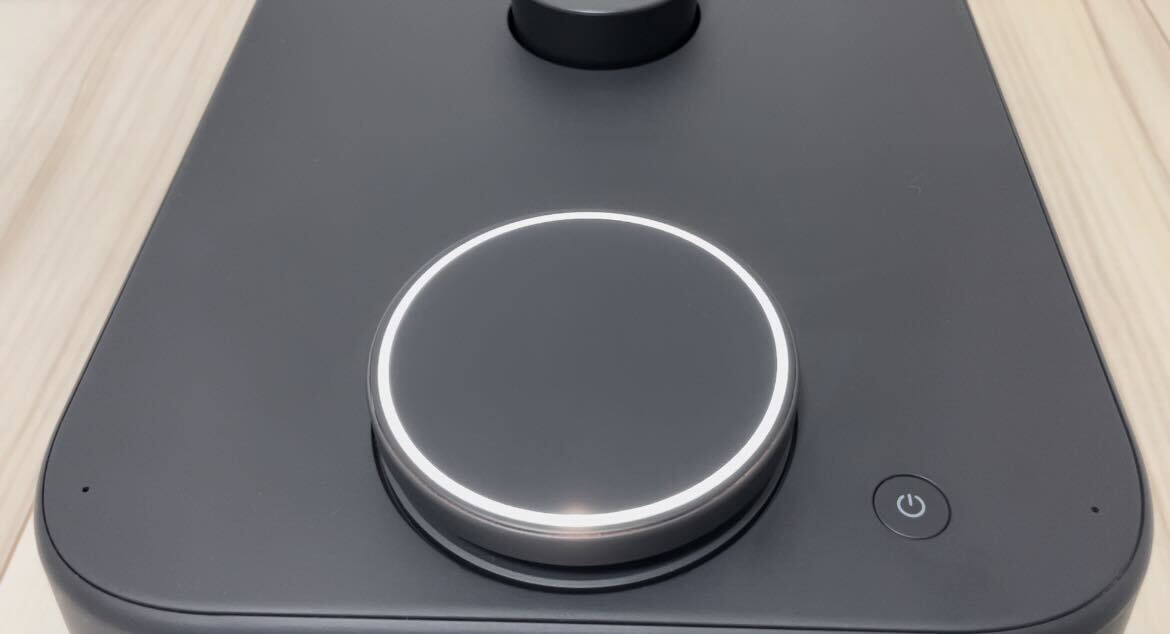
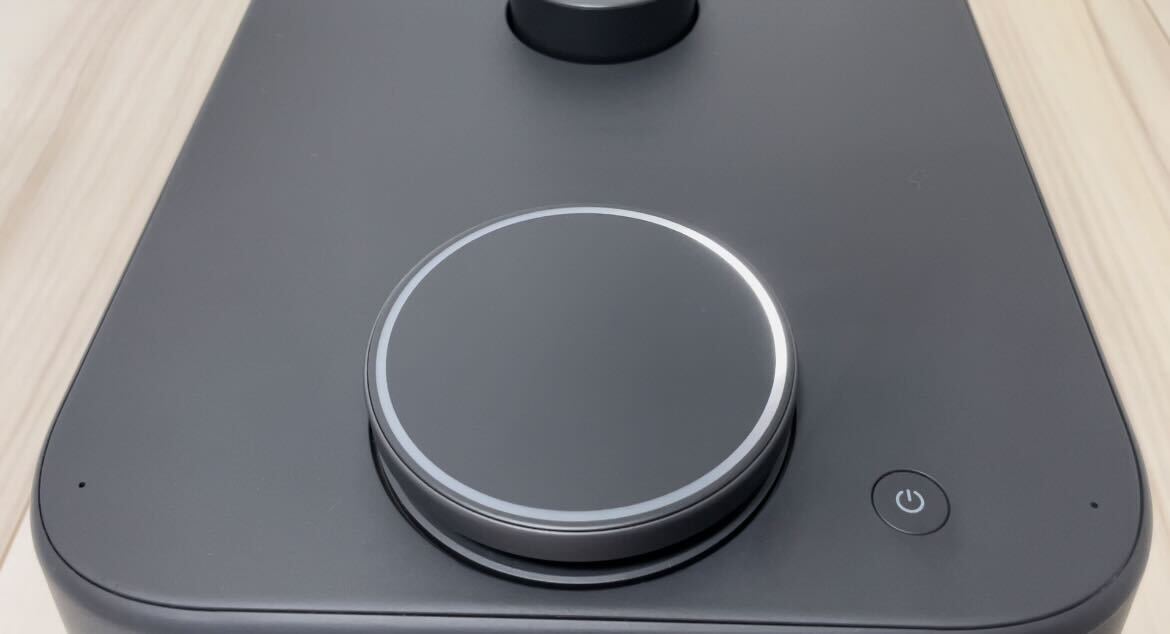
Power On and Off
Both Kachaka and Kachaka Pro power on and off using the same single power button on the body. The only difference is how long you hold it and how the LED ring responds. This page explains the correct timing for holding and releasing the button.
Powering On
- Press and hold the power button for about 3 seconds, until the LED ring lights up.
- Once the LED ring is lit, release the power button.
Give the system a moment to finish starting up. If nothing happens on the LED ring after a long press, the battery is most likely depleted — place Kachaka back on its charging dock first. Be sure to charge before using it for the first time, too. For what each LED color and animation means, see the LED Status Light Reference.
Powering Off
- Press and hold the power button for about 3 seconds, until the LED ring begins rotating counterclockwise.
- The moment you press the button, the LED ring turns yellow. Keep holding, and once the ring switches to a rotating pattern, release the power button.
After you let go, Kachaka completes its shutdown sequence on its own.
Power Off, Pause, or Return to Dock?
In many cases you do not need to fully power off:
- To simply stop Kachaka while it is moving, press the power button once to enter pause mode (yellow LED) — no long press or shutdown needed. See Stopping and Pause Mode.
- To keep Kachaka on standby with a charged battery, just let it return to its dock; there is normally no need to power off. For how to send it back by hand, see Manually Return Kachaka to the Dock.
If you are setting up Kachaka for the first time, follow the order in First-Time Setup — powering on and charging is the first step.
Screens