Troubleshooting Furniture Registration
Registering furniture works by steering Kachaka up to the front of the furniture so it can read the barcode on the underside and pair with it. In practice, the part that trips people up isn’t the app setup—it’s getting the robot lined up squarely with the front of the furniture. This page covers how to do that smoothly.
For the full registration flow (tap “Add furniture” in the app, read the barcode, name it and add aliases), see Registering Furniture and Adding Aliases.
When the D-pad won’t line up
In the app you steer Kachaka one nudge at a time using the on-screen D-pad (directional arrows) to move forward, back and turn. When you’re right up close to the furniture and need fine adjustments, it’s easy to overshoot or undershoot and struggle to square up with the furniture’s front. For more on manual steering, see Manual Remote Control.
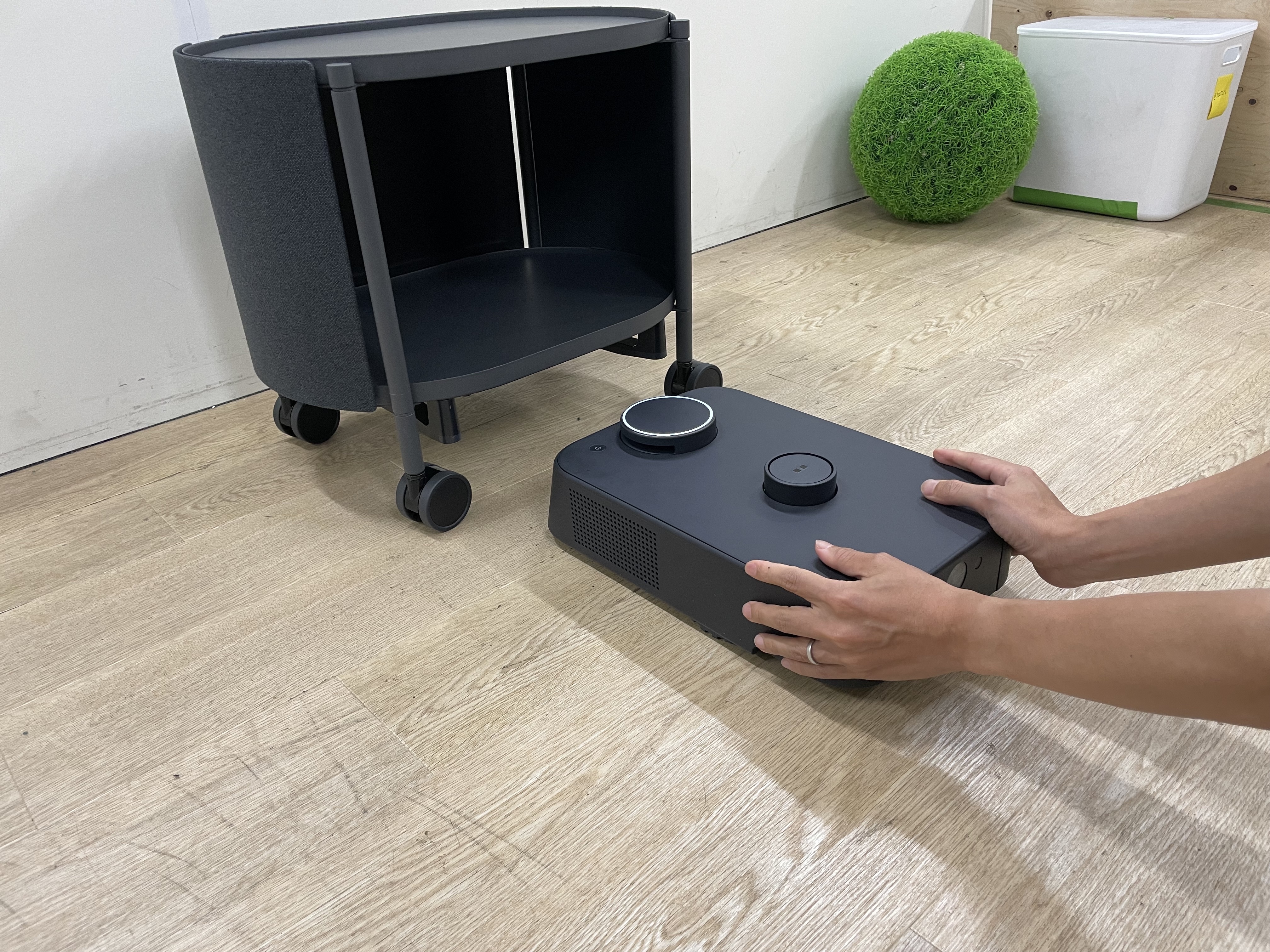
When this happens, the fastest fix is to push the robot along the floor by hand:
- Hold the Kachaka body with both hands.
- Let its wheels glide along the floor—like pushing a small cart—and slowly bring it up square to the front of the furniture.
- Once it’s aligned, go back to the app and read the barcode on the underside of the furniture to finish registration.
Pushing it by hand lets you fine-tune the angle and distance intuitively—much quicker than tapping the D-pad step by step, and far easier to line up in one go.
Never lift the body
While pushing, always keep the wheels gliding on the floor the whole time—do not lift the entire Kachaka off the ground.
The moment the body leaves the floor, it loses its ground reference and its self-position on the map can drift. After that, even if you align it with the furniture, later deliveries and dock returns may fail because the localization is off. If you’ve already lifted it or the position has drifted, see Fixing Position Drift and Getting Lost to recalibrate.
Rule of thumb: to move Kachaka up to the furniture, push it—don’t lift it.
Screens