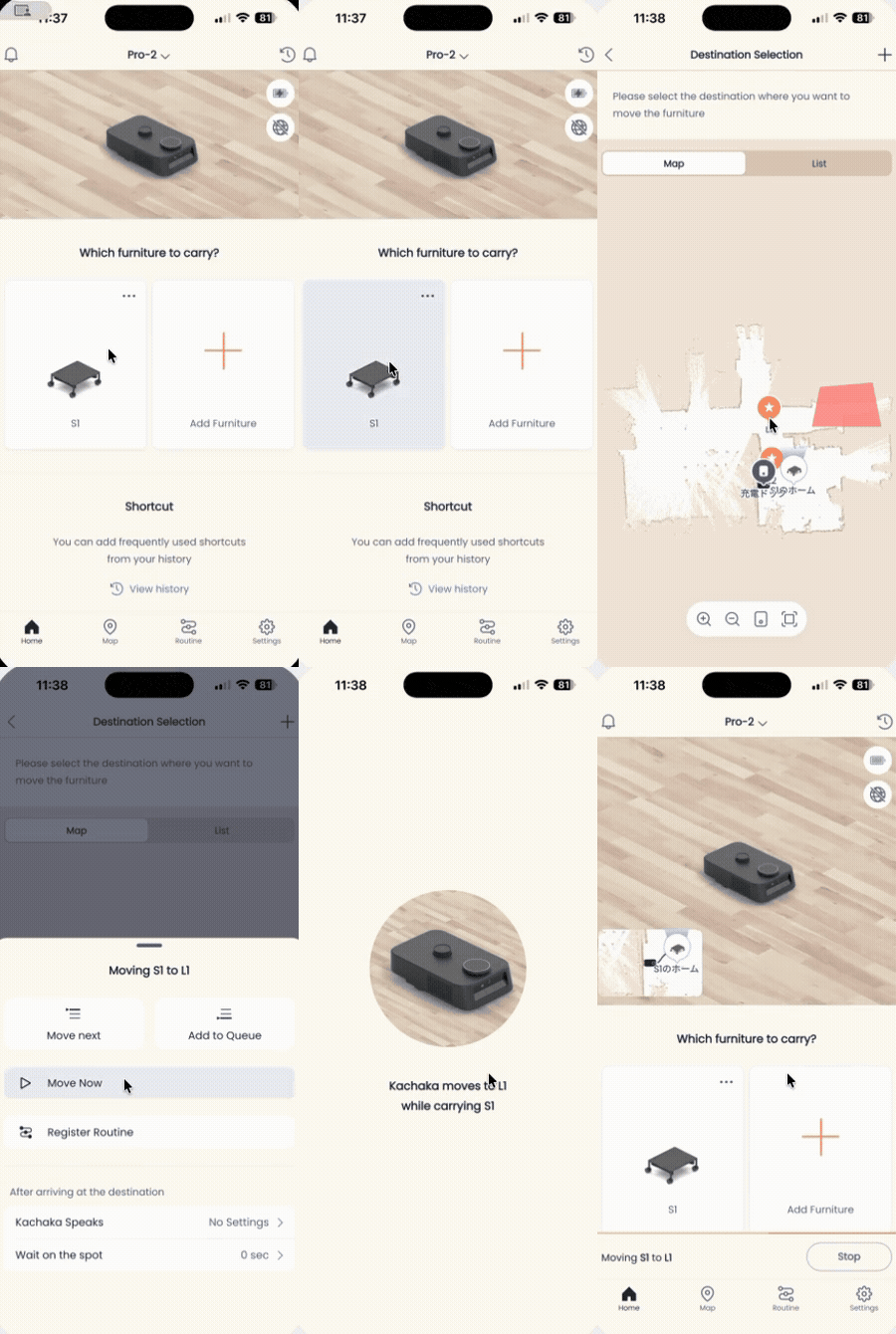
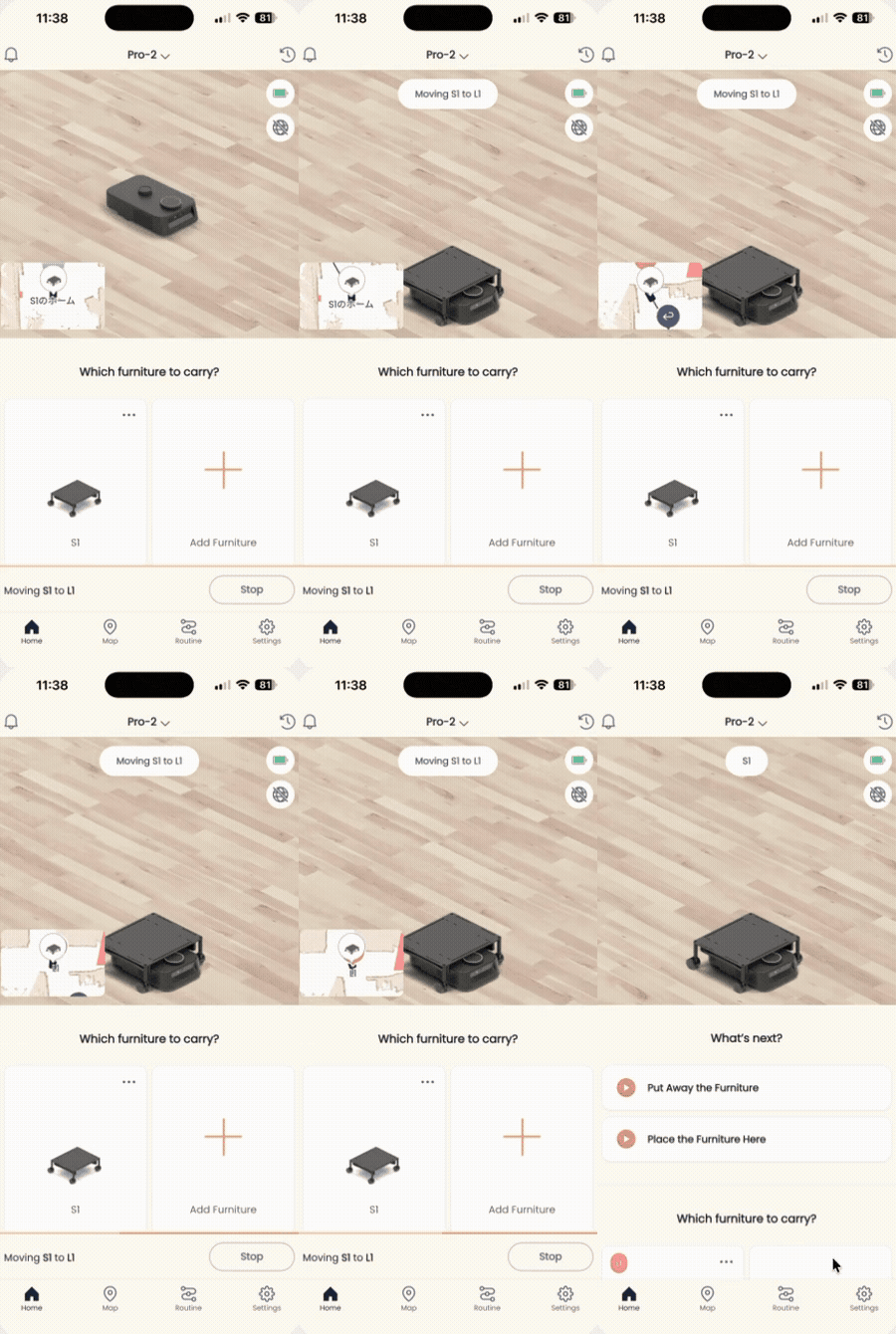
Loading and Picking Up Furniture
“Loading” furniture means having Kachaka slide under a registered Kachaka shelf and lift it up. Only after lifting can the robot carry the furniture to a destination. This page covers two cases: loading the furniture right in front of Kachaka, and loading the furniture parked at a given destination without naming it.
Loading furniture placed in front
The most direct method is to place the furniture directly in front of Kachaka and then issue the “load furniture” command.
Option 1: Voice command
Say to Kachaka:
“ねぇカチャカ、家具を載せて” (Hey Kachaka, load the furniture)
When recognized, Kachaka responds “家具を載せます” (I’ll load the furniture) and then slides under the shelf in front of it and lifts it. Keep the wake word and command in the original Japanese shown above.
Option 2: From the App
- Open the App and go to the “Home” tab.
- Tap the Kachaka image at the top of the screen.
- On the status screen, tap “Load furniture.”
Kachaka then lifts the shelf directly in front of it.
Loading furniture at a destination without naming it
If you’d rather not say the furniture name every time, you can simply send Kachaka to a destination and have it load whatever furniture is parked there. This is handy when a shelf always sits at a fixed spot. There are three ways to do this:
- App Routine: In the action list of a Routine automation, choose “Load furniture” and set the destination to go to, so it can be triggered with one tap or on a schedule.
- Button Hub: Configure it to “load the furniture at {destination}, facing forward / backward.” For example, set “load the furniture at Home” and Kachaka will go to Home and lift the shelf parked there.
- Kachaka API: Call it programmatically — suited to advanced users integrating external systems or automated workflows.
Tip: If you want the furniture returned to a fixed spot after loading, combine this with the furniture storage position settings.
Screens